

E-commerce Advertising Protection
Help online retailers investigate unusual click activity, review traffic quality, and protect advertising budgets.
ExploreEstimate wasted ad spend from invalid traffic. Try the calculator
USE CASES
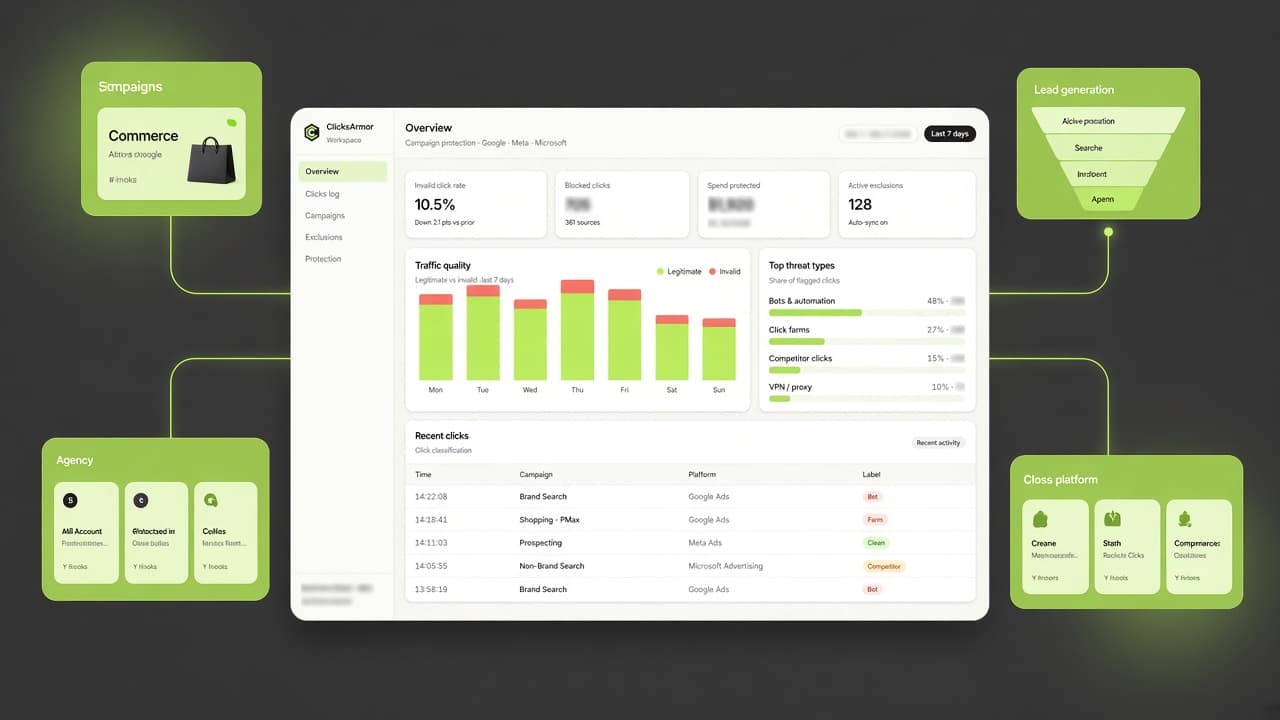
Protect your advertising investment across e-commerce, lead generation, agency accounts, and multi-platform campaigns. Identify suspicious traffic, investigate campaign activity, and apply protection where supported.
WHO IT'S FOR
Different advertising models face different traffic challenges. Explore how ClicksArmor can help your team investigate suspicious activity and manage campaign protection.
Help online retailers investigate unusual click activity, review traffic quality, and protect advertising budgets.
Explore

Help lead generation teams understand suspicious traffic patterns and investigate differences between clicks and available conversion signals.
Explore

Give PPC agencies and advertising teams a more organized way to review traffic activity across multiple advertising accounts.
Explore

Bring campaign traffic monitoring and protection workflows together across Google Ads, Meta Ads, and Microsoft Advertising.
Explore
Use case 01 — E-commerce
Online retailers depend on paid advertising to attract shoppers and generate sales. Unusual click activity can consume campaign budgets and make it harder to understand the quality of incoming traffic.
The challenge
What to monitor
How ClicksArmor helps
ClicksArmor helps e-commerce advertising teams review suspicious traffic, investigate the signals behind unusual activity, and apply supported campaign protection measures.
Use case 02 — Lead generation
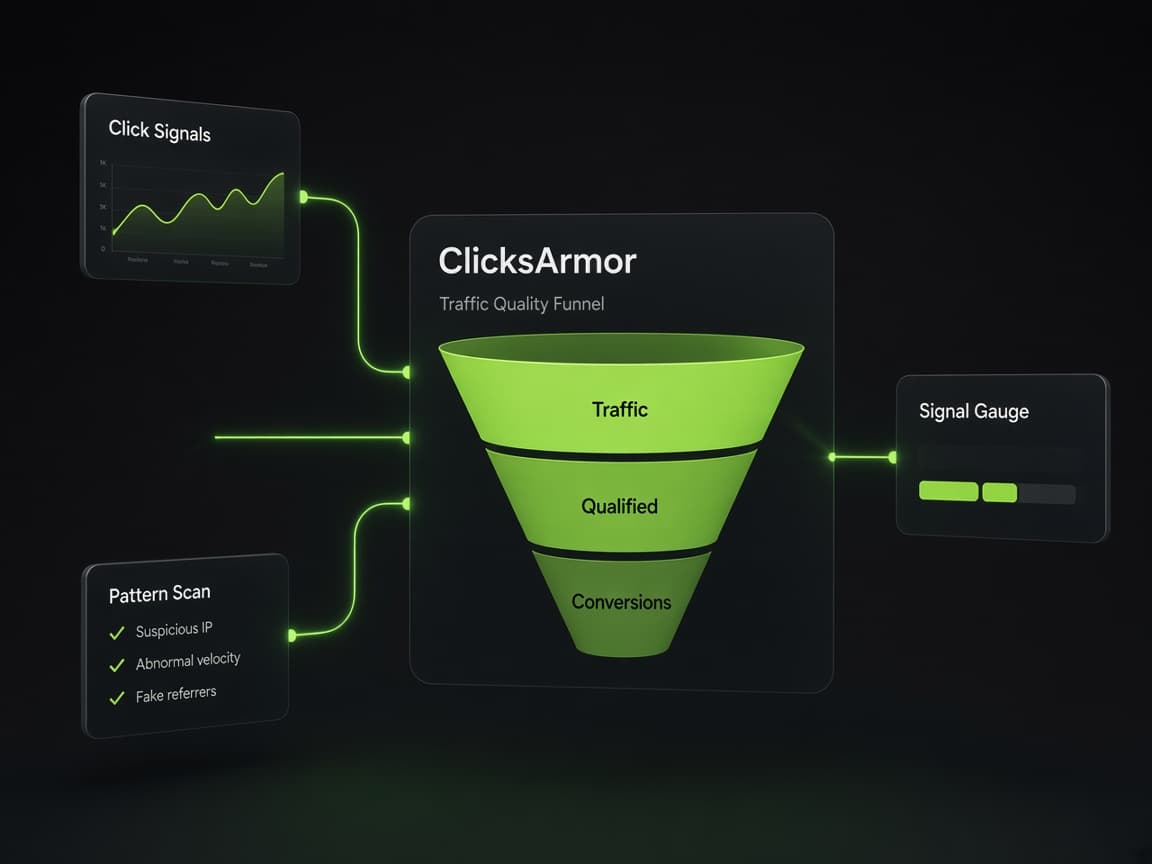
Lead generation campaigns depend on attracting people who are likely to become genuine prospects. When click activity does not align with available conversion signals, advertisers need a way to investigate traffic quality.
The challenge
What to monitor
How ClicksArmor helps
ClicksArmor helps advertising teams investigate suspicious click activity and review traffic quality signals alongside the campaign information available to them.
Use case 03 — Agencies
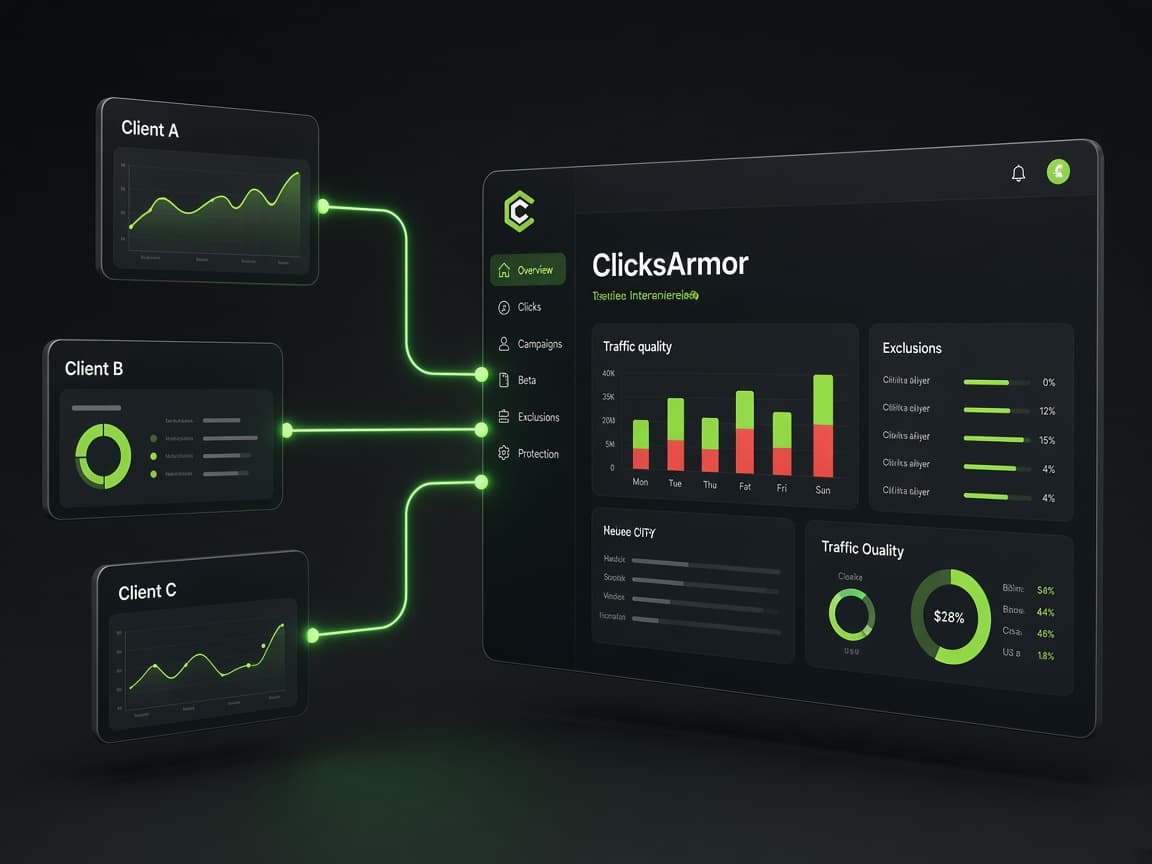
Digital marketing agencies often manage advertising campaigns for multiple clients. Reviewing traffic quality and potential invalid activity across separate accounts can create additional operational work.
The challenge
What to monitor
How ClicksArmor helps
ClicksArmor is designed to help agencies organize campaign traffic monitoring, review suspicious activity across connected advertising accounts, and manage supported protection workflows.
Use case 04 — Cross-platform
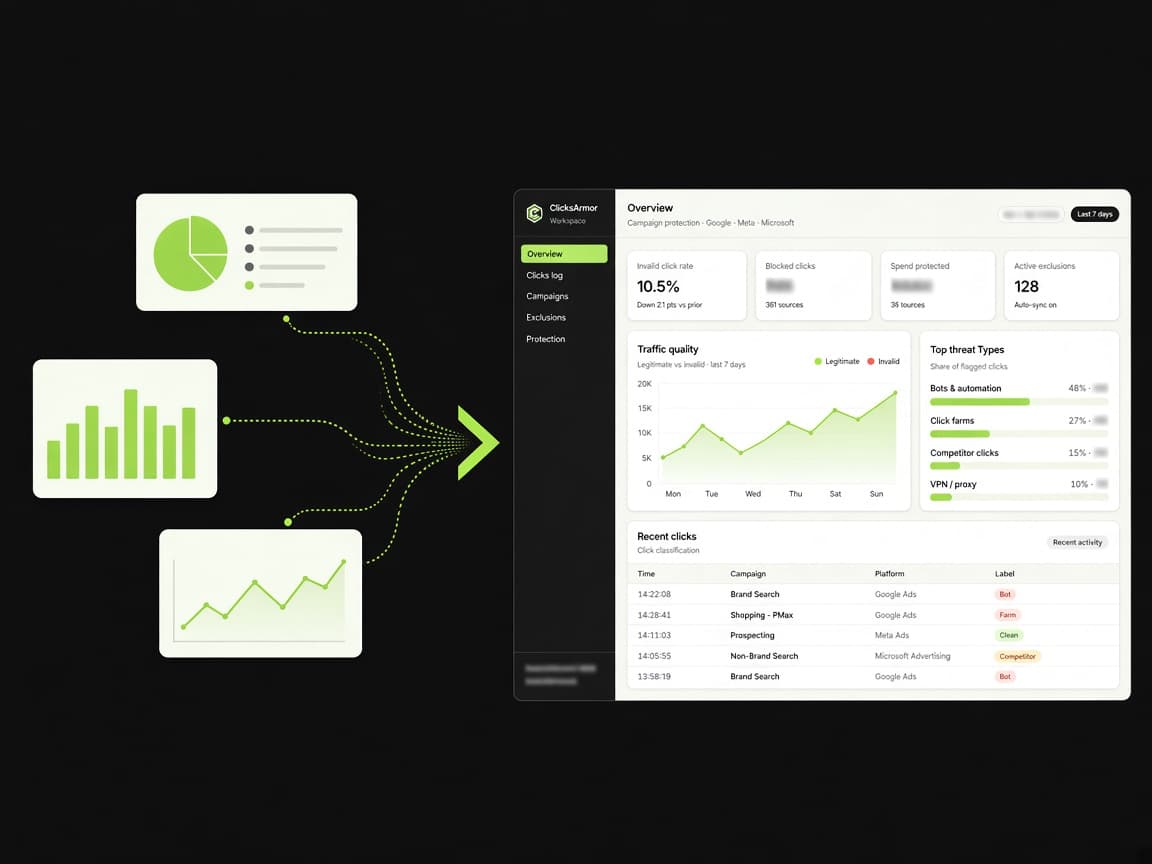
Businesses running campaigns across multiple advertising platforms face different reporting structures, traffic signals, and protection mechanisms. A single protection strategy cannot assume that every platform supports the same controls.
The challenge
What to monitor
How ClicksArmor helps
ClicksArmor is designed to bring traffic monitoring and campaign protection workflows together across Google Ads, Meta Ads, and Microsoft Advertising.
Protection methods depend on each platform's available capabilities, permissions, account configuration, and eligible data.
PLATFORM COVERAGE
Review suspicious traffic and manage campaign protection using the mechanisms supported by each connected advertising platform.

Review campaign traffic signals and use supported campaign exclusion controls where available.

Review available advertising and audience signals. Audience-based protection depends on eligible identifiers, permissions, and Meta platform requirements.

Review campaign activity and use supported protection controls according to Microsoft Advertising capabilities.
HOW IT WORKS
The same Detect → Diagnose → Protect path applies across every advertising model above.
01
Spot unusual click patterns that deserve a closer look.
02
Review the signals that make the traffic look risky.
03
Apply supported exclusions for each connected platform.
Give your team better visibility into suspicious traffic and a more organized way to protect advertising campaigns.