Protecting Meta and Microsoft Advertising Campaigns from Suspicious Traffic
Traffic protection methods differ across advertising platforms. Learn how to assess suspicious activity and understand the available protection approaches for Meta and Microsoft Advertising.
November 9, 2026
·ClicksArmor
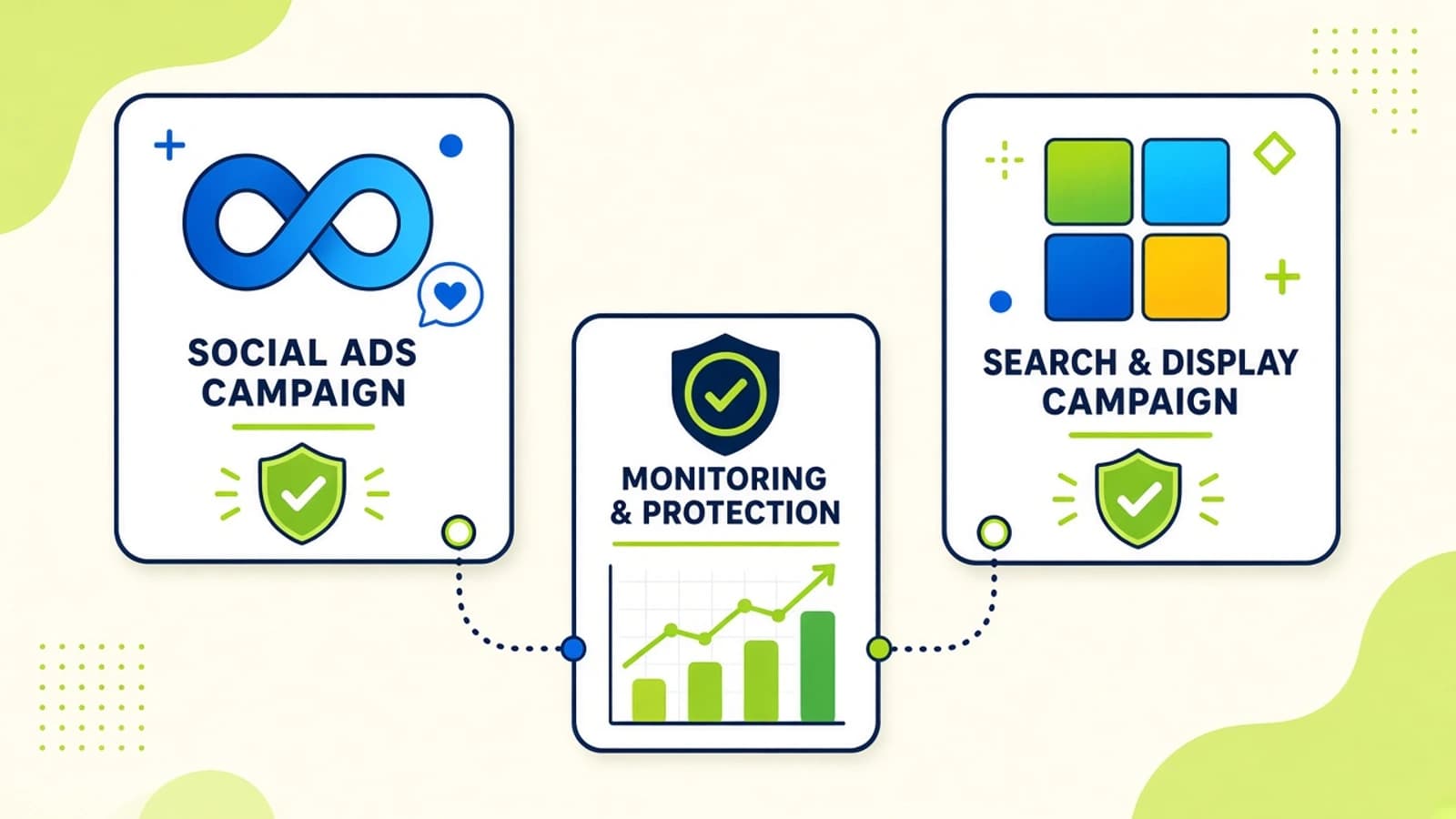
Advertisers who run Google Ads, Meta Ads, and Microsoft Advertising often want "one block list everywhere." That wish collides with how platforms actually work. Exclusion methods, reporting, and identifiers differ - so traffic protection has to be platform-aware.
This article focuses on Meta and Microsoft Advertising: what to monitor, what exclusions may look like, and how to keep a unified review workflow without pretending every network supports the same controls.
Why Multi-Platform Traffic Monitoring Matters
Across networks you typically face:
- Different campaign environments and auction dynamics
- Different traffic sources and placement mixes
- Different reporting structures and delay characteristics
- Different platform controls for invalid activity
A pattern that is actionable as an IP exclusion on one network may have no equivalent on another. Unified monitoring still helps; identical enforcement does not.
Monitoring Suspicious Traffic in Meta Ads
On Meta Ads, useful investigation includes:
- Campaign and ad-set performance anomalies
- Website traffic signals when the Meta Pixel (or equivalent) and events are implemented correctly
- Engagement quality relative to your baselines - not vanity CTR alone
- Review of eligible audience-based exclusion options where identifiers exist
Critical limit: Meta does not provide the same IP exclusion workflow many Google Ads advertisers rely on. Do not expect Google-style IP lists to transfer. Claims about Meta capabilities should follow Meta's current product documentation and your account's available tools.
ClicksArmor's Meta approach - analyze suspicious traffic and, where eligible identifiers exist, sync custom audience exclusions - is described on Integrations. Treat live vs planned items there as the source of truth.
Understanding Traffic Protection in Microsoft Advertising
Microsoft Advertising is closer to search-network exclusion patterns many PPC teams already know:
- Review campaign traffic and click patterns
- Investigate geographic and repetition signals where available
- Use supported IP exclusion capabilities subject to account and platform rules
- Confirm configuration limits (list sizes, sync timing, campaign scope)
As with Google, Microsoft's own invalid-traffic handling and any credits remain the platform's decision. Third-party monitoring complements that process; it does not replace it.
Why Platform-Specific Exclusion Methods Matter
- Google Ads: Supported IP exclusions where available; often applied as account-level lists
- Meta Ads: Audience-based exclusions when eligible identifiers exist - not Google-style IP lists
- Microsoft Advertising: Supported IP exclusions subject to platform rules
Saying "we block bad IPs everywhere" is inaccurate for Meta. Accurate client and stakeholder communication depends on naming the actual mechanism. Product capability detail: Features and How it works.
Building a Unified Traffic Monitoring Workflow
Even when exclusions differ, monitoring can stay consistent:
- Centralized monitoring of connected accounts
- Consistent risk language (suspicious vs invalid vs confirmed abuse)
- Platform-specific protection rules matched to available APIs and identifiers
- Ongoing review after rules change
That is the opposite of forcing one exclusion type onto every network.
What Advertisers Should Verify Before Enabling Automatic Exclusions
Before turning on automation:
- Account authorization and least-privilege access
- Availability of the identifiers each platform needs
- Platform permissions to write exclusions or audiences
- Exclusion eligibility and list limits
- Potential impact on legitimate users (especially shared networks and privacy tools)
Start conservative. Expand only after you review the first wave of flagged sources.
Conclusion
Meta and Microsoft Advertising need the same discipline as Google - investigate before you exclude - but not the same exclusion tools. Build unified monitoring, apply platform-specific protections, and keep language honest about what each network can do. That is how multi-channel teams protect budget without promising identical controls everywhere.
Related articles

Learn how ClicksArmor approaches detection and supported exclusions across platforms.